




Day 1
Set it up
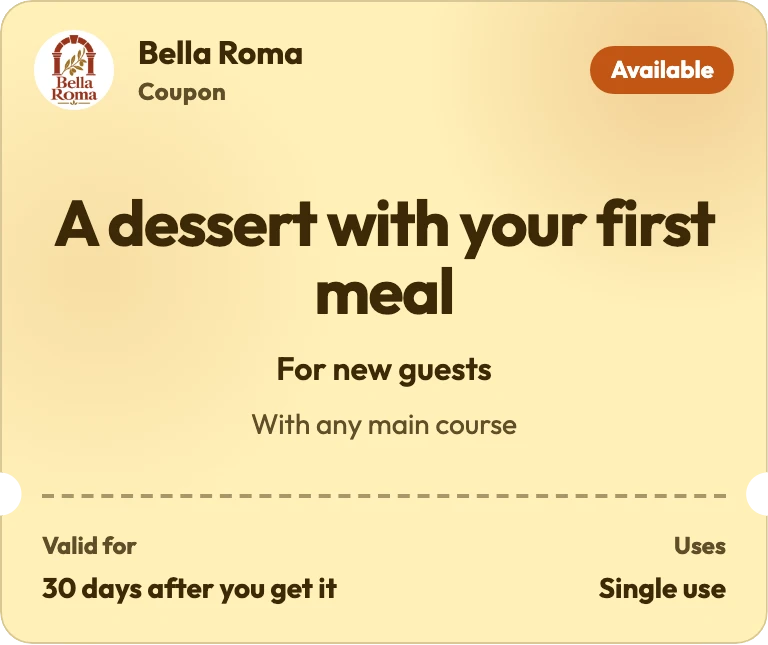
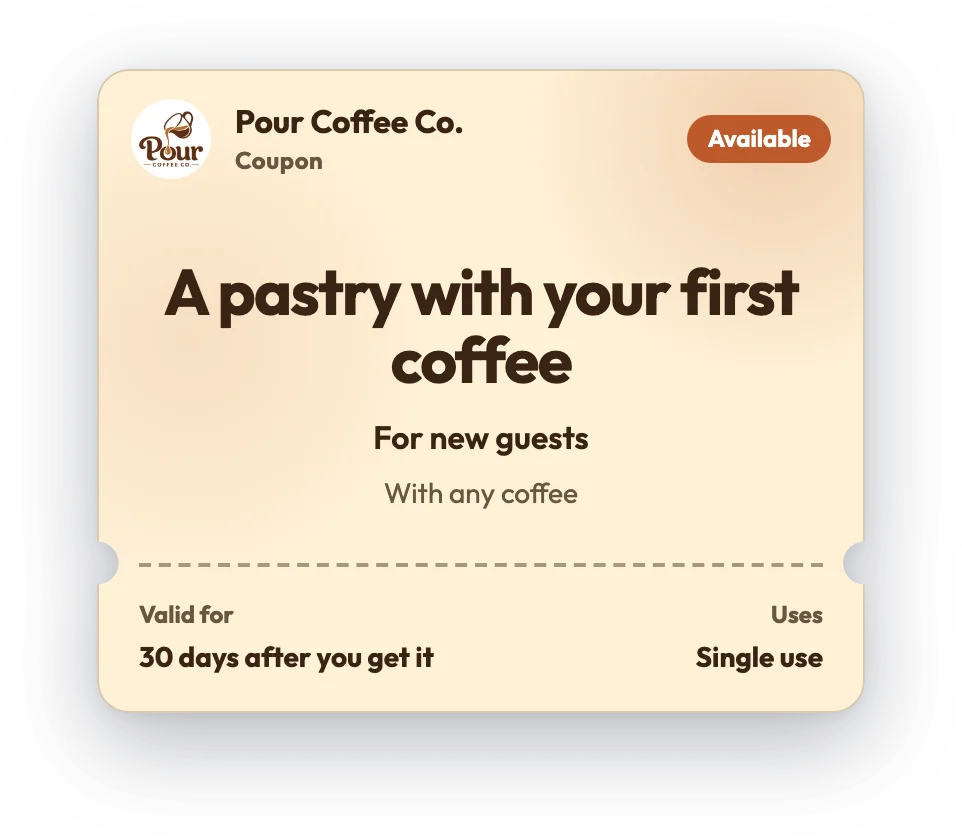
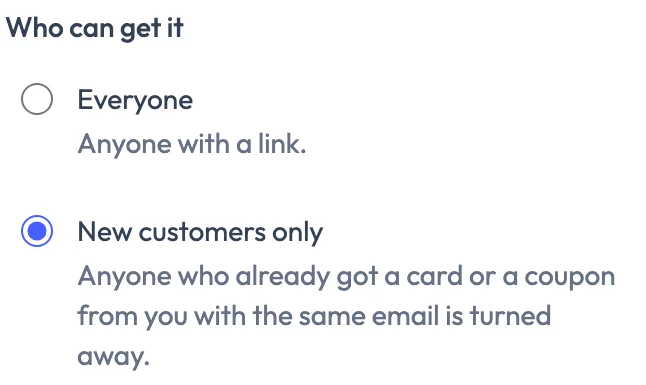
The owner picks “A pastry with your first coffee” for new customers only, with one link for each place: a window poster, the gym next door, Instagram.

Product
Loyalty cardsDigital stamp cards, no app neededCouponsWin customers with discounts and free itemsCampaignsOffers sent to their lock screenGoogle reviewsAsk at the happiest momentBusiness pageMenu, events and reviews on one QR codeFeatures
Customer messagesBirthday automationSurveysKiosk modeKnow your regularsQR code signs & posts All featuresBUSINESS FEATURE
Put a coupon in your window, on Instagram or at the gym next door, or send past customers the link. Customers save it to Apple Wallet or Google Wallet. You choose who gets it, cap each place and set the hours.
New accounts get premium tools free for the first 30 days, coupons included

In short
A FaveCard coupon is one specific offer with an end date, such as a discount or a free item. A local business shares it by link or QR code, and its staff use it at the counter. Customers get the coupon on a web page with their email and first name, no app needed, and can add it to Apple Wallet or Google Wallet. Coupons are part of the Business plan, with no monthly limit.
Regulars get a stamp each visit and come back for the reward. For regulars who already come often, a stamp card usually works better than a coupon.
A coupon on the door gives someone walking past a reason to come in. You invite past customers back with a coupon you share through your own link or post.
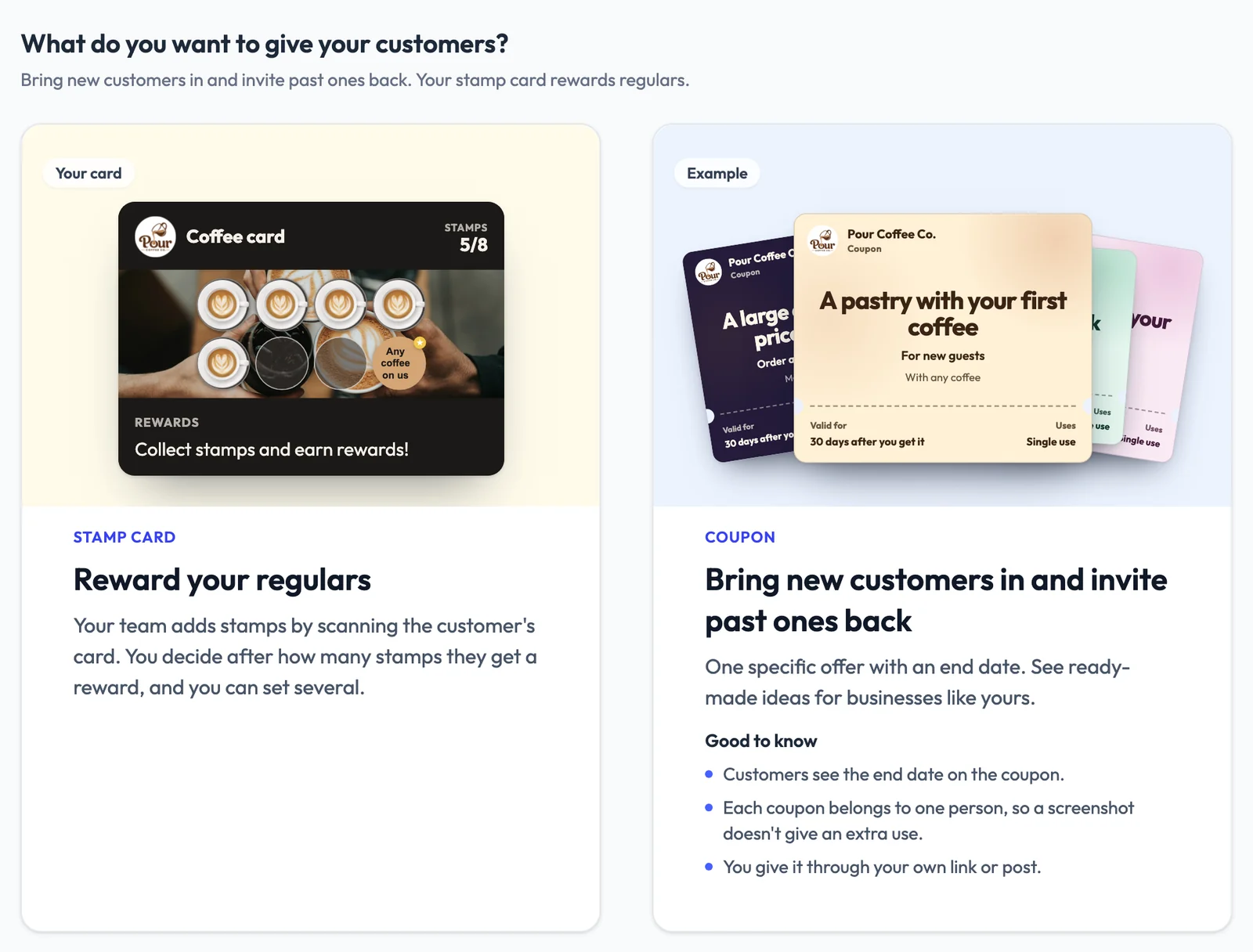
Example: Pour Coffee Co., sample data
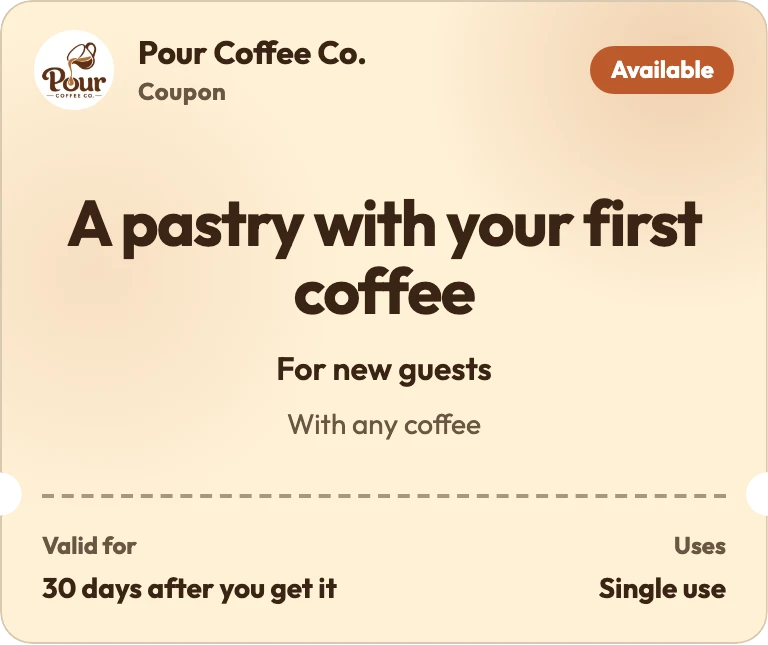
Day 1
The owner picks “A pastry with your first coffee” for new customers only, with one link for each place: a window poster, the gym next door, Instagram.
Days 1 to 14
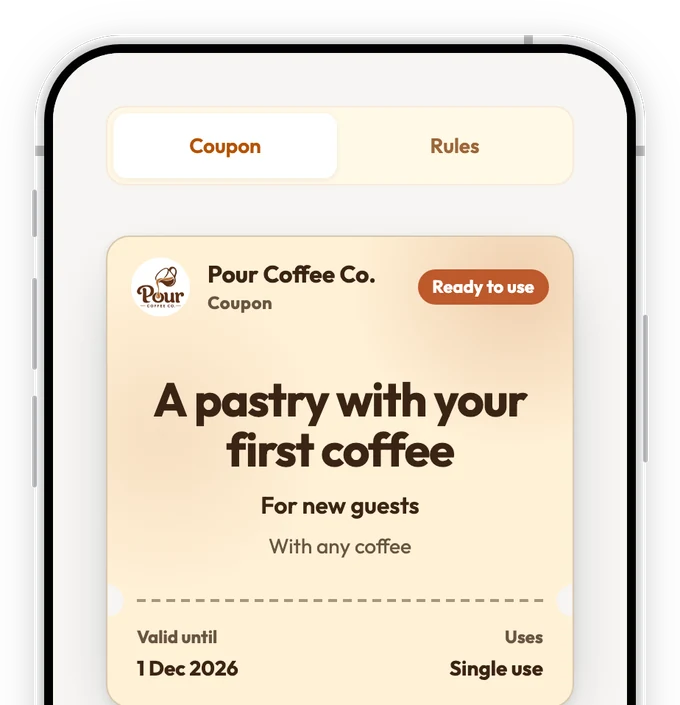
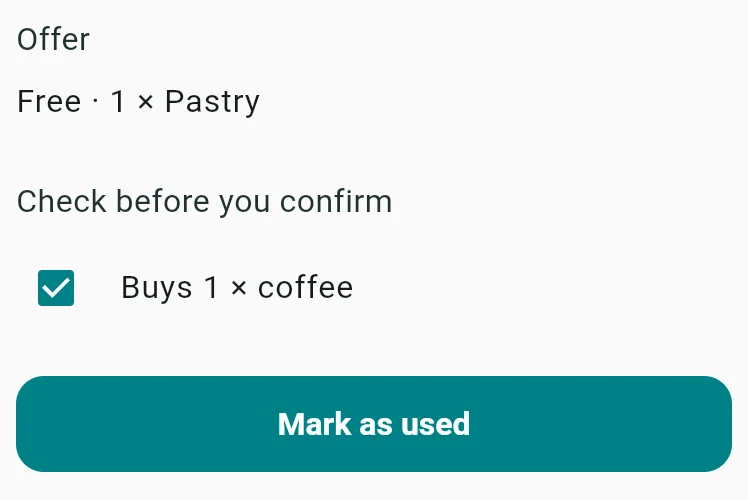
Customers scan the code and get the coupon on their phone, no app needed. At the counter, staff scan it, tap Mark as used, then offer the stamp card.
Day 14
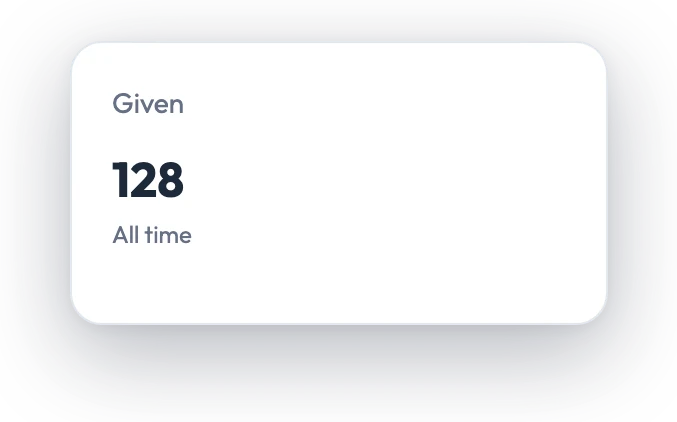
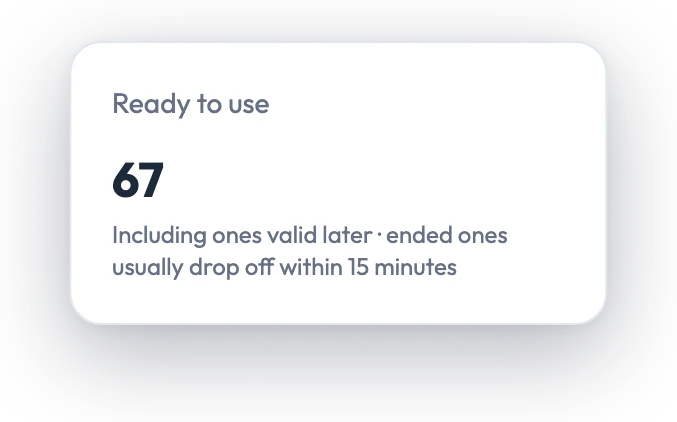
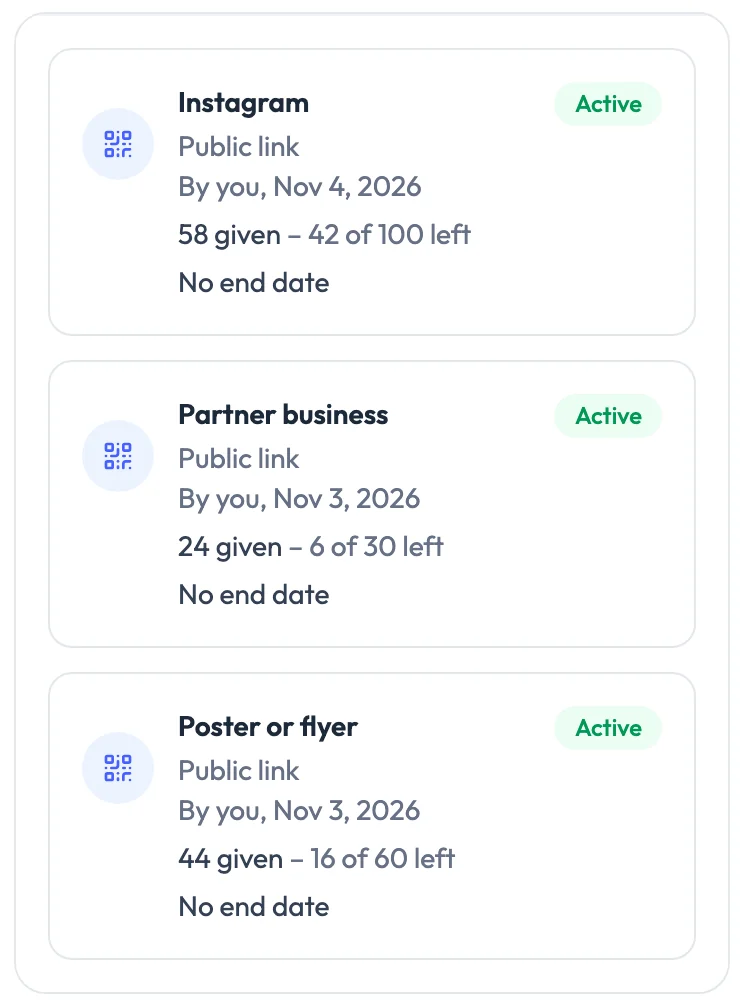
The gym's link is nearly out: 24 given, 6 of 30 left. So far, the margin on the extra coffees in the till covers every free pastry. So the owner gives the gym a second link, capped at 30, and decides about the offer once the last coupons have had their 30 days.
We wrote four coupon ideas for each of ten types of business. Most are something small and free, so your prices stay as they are. Make any of them a percentage off, an amount off or a special price instead, or start from scratch.
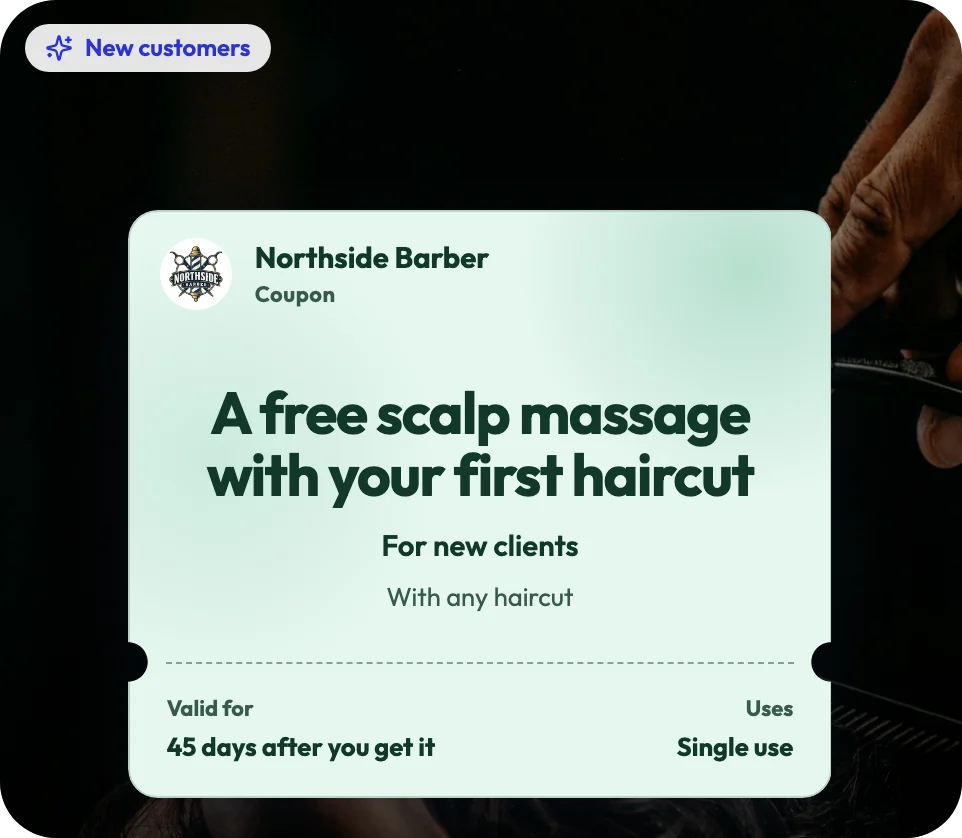
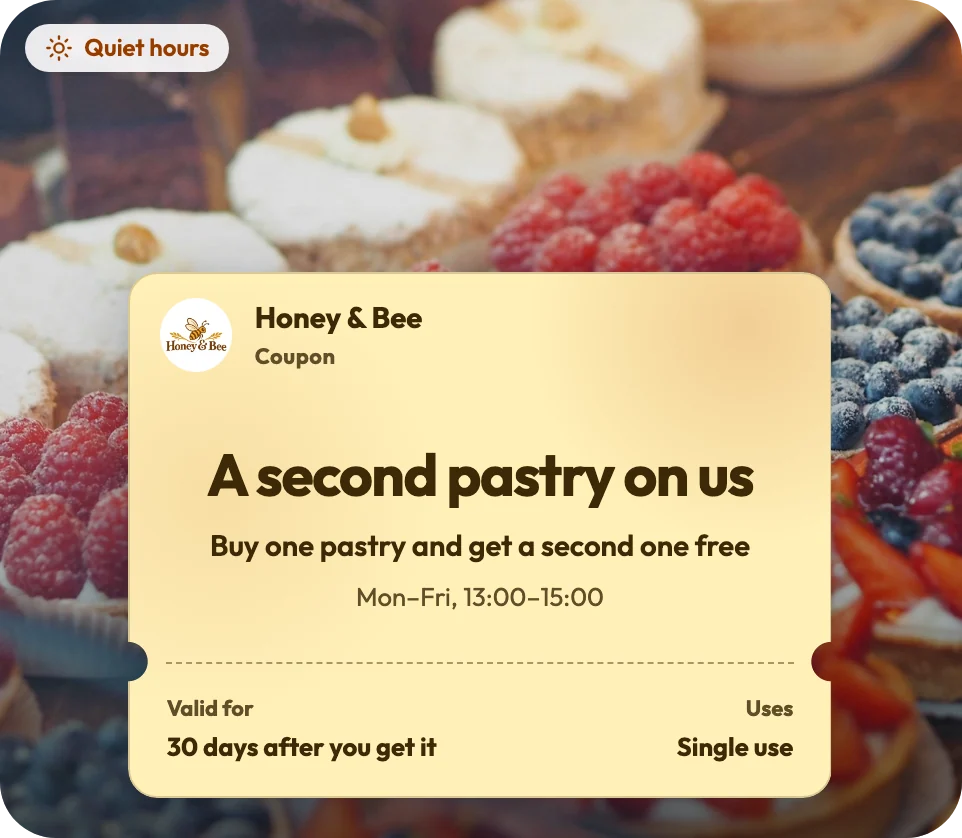
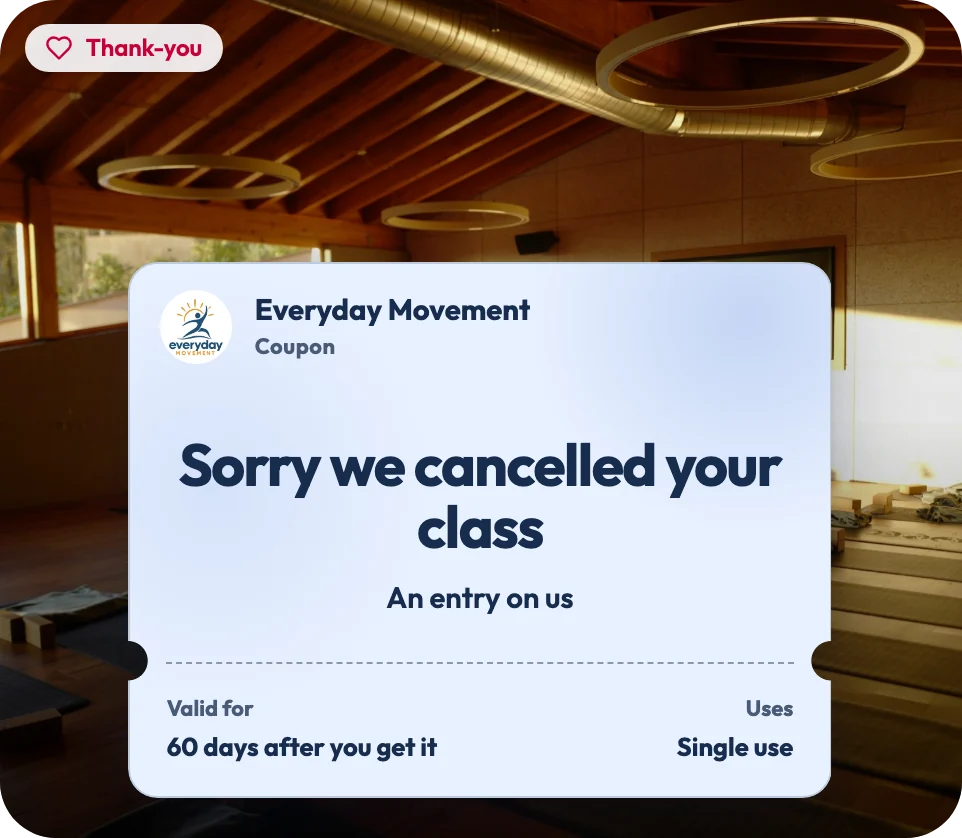
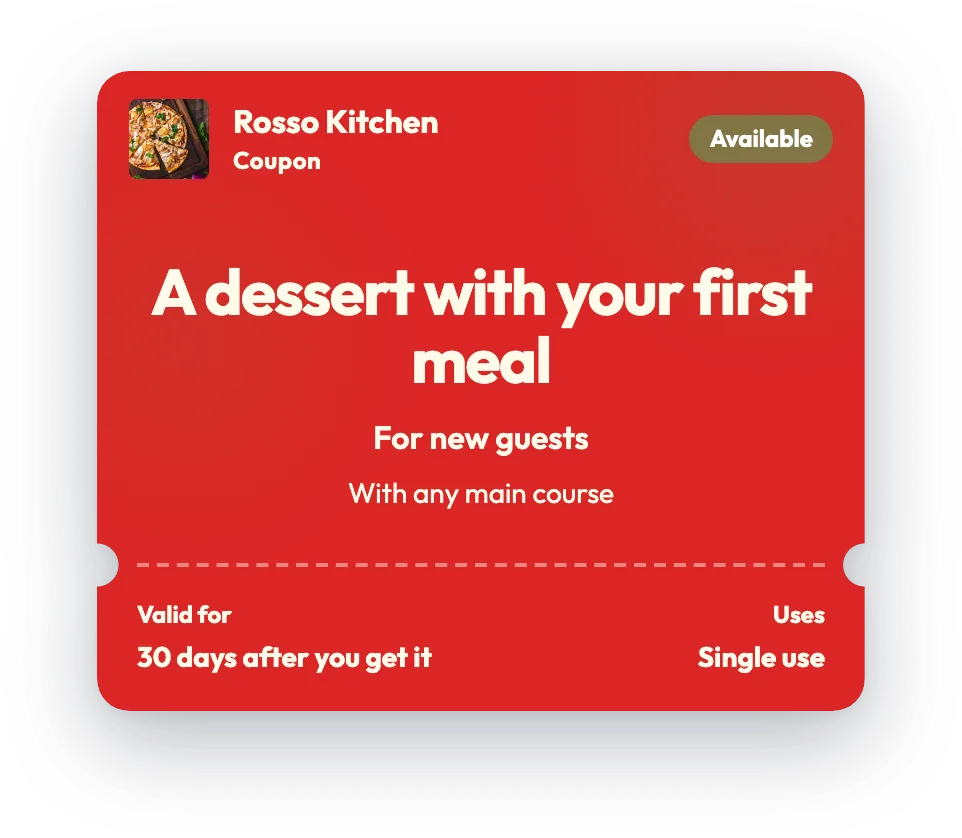
New customers
Pick something small and free that goes with what people already buy, so what they buy helps cover it.
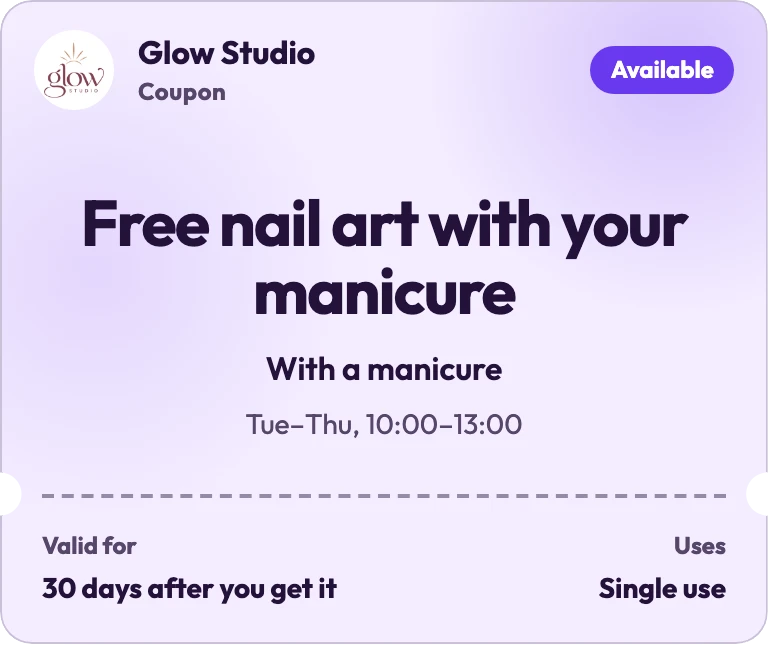
Quiet hours
Choose the days and hours when it works, so your busy times stay as they are. The ready-made quiet-hours ideas are open to everyone with the link, regulars included.
Booked treatments: If clients pay at the end of a booked treatment, end the hours after your last morning appointment finishes.
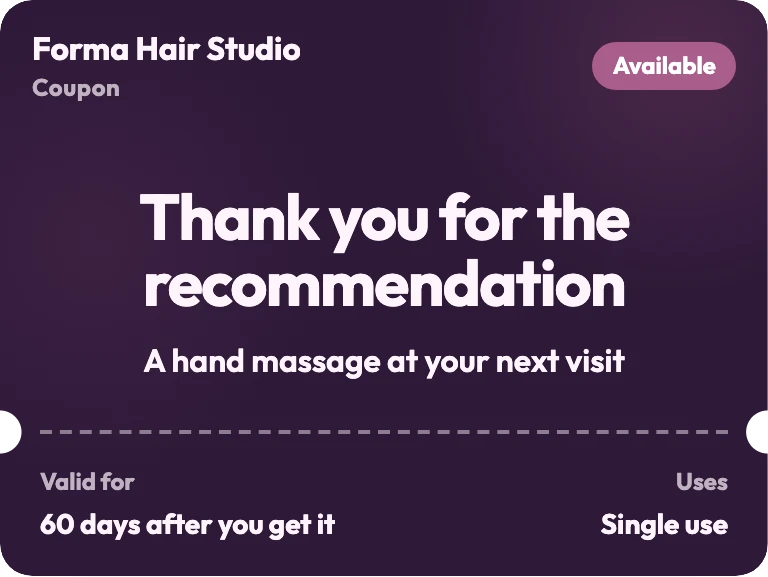
Thank-you
Make a personal link to thank one person, or to say sorry for a long wait. Send it in a message, or show its QR code at the counter. Your staff can make one there too, in the FaveCard app.
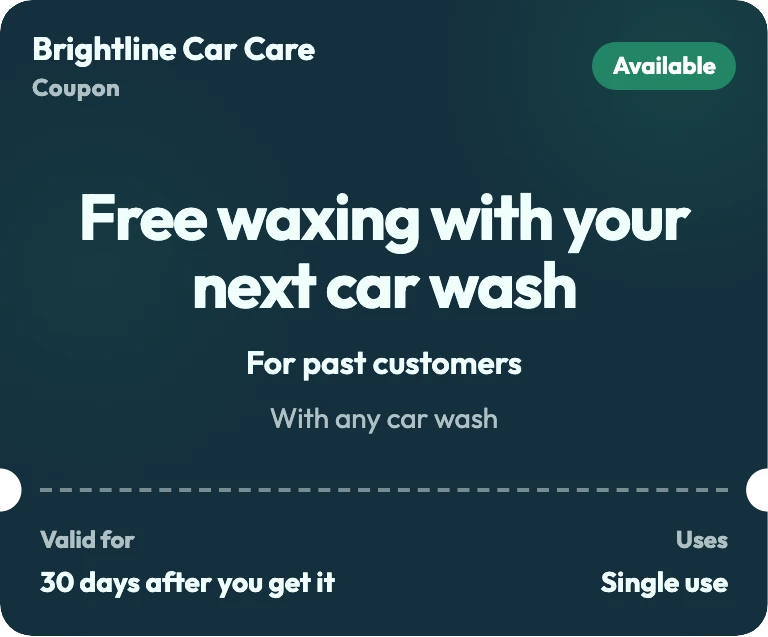
Past customers
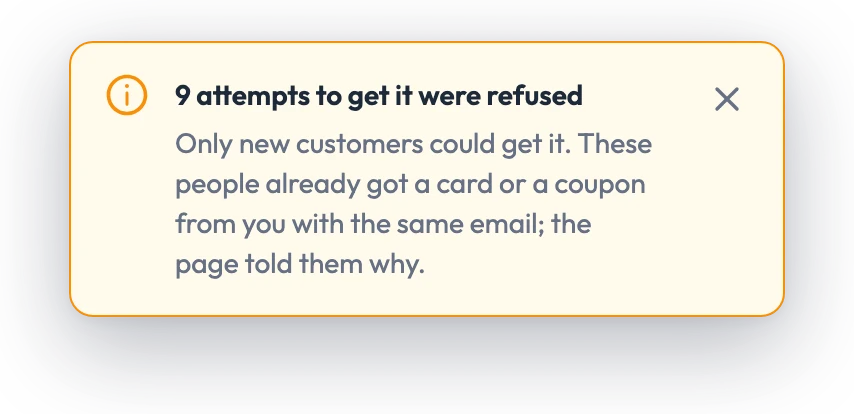
Only people who already had a card or coupon from you can get it. Post a public link, or send a personal one in a message. We check the email they enter.
It works next to any till: there is nothing to connect.
Where
Each place gets its own link and QR code. Set how many coupons it can give and the last day to get one. Pause a link any time: coupons already given keep working.
Who
Keep it for new customers only, or people who already had a card or coupon from you. We check their email.
When
Pick the days and hours it works, like Tuesday to Thursday, 10:00 to 13:00, plus closed dates. It can't be used outside those hours or on a closed date.
One per person Each person gets one across all your links, or one from each link if you choose. We check their email.
Personal links For one person, once. You or your staff can make one at the counter.
An end date Shown on the coupon.
Uses Once, or as many as you set.
Checks at the counter Like a minimum purchase. Your staff tick it before they confirm.
Coupons bring new customers in and invite past ones back through a link or post from you, your stamp card rewards regulars, and Campaigns put a limited-time deal on the cards your customers already carry.
Start with a coupon if too few new people come. Start with a stamp card if people come once and don't come back.
| Stamp card | Campaign | Coupon | |
|---|---|---|---|
| Who it's for | Everyone who comes back, from the first stamp | Everyone who already carries your card, or a group you pick | People who haven't had a card or a coupon from you yet. Or anyone with the link, people who already had a card or coupon from you, or one person you choose |
| What it does | A stamp for every visit, with a reward at the end | Puts a limited-time deal on that card, then the card goes back to normal; stamps stay as they are | One offer with an end date, such as a discount or a free item, used once or as many times as you set |
| How people get it | A card they keep; staff scan it each visit | On the card they already have, with a notification if it's in their wallet | A link or QR code you put up, or a personal link; no app and no loyalty card needed, and they can add it to Apple Wallet or Google Wallet |
Available on the Business plan
Business
Keep a first-visit offer small, free and tied to a purchase, like a pastry with a first coffee. Then offer your stamp card, so the second visit has a reason too. Bargain hunters come for big discounts that anyone can use. A FaveCard coupon can be limited to new customers, one per person, with a cap on each link.
A small free extra keeps your prices as they are. A percentage off lowers them. None of FaveCard's 40 ready-made coupon ideas is a percentage off; most give something free with a purchase, such as a hand massage with a first manicure. The coupon carries your business name and colours.
A welcome coupon costs you the free item, and only when someone uses it. Tie it to a purchase, like a pastry with a coffee, and the coffee they buy helps pay for it. If your FaveCard coupon is single use and every sharing link has a cap, add up the caps and the personal links you and your staff hand out. That is the most people who can get it. Multiply that by the item's cost, and you know the most the free items can cost you, before staff time.
A promo code works for anyone who sees it; a FaveCard coupon doesn't. Each coupon belongs to one person, so a screenshot doesn't give an extra use. A customer can hand theirs to a friend: whoever brings it in uses it once, unless you set more uses. Staff see the name of the person it belongs to.
When you make a FaveCard coupon, set “Who can get it” to “New customers only”. A coupon for new customers only is for people who haven't had a card or a coupon from you yet. We check their email. It can only keep out people you already know: a regular who never joined your card can still get it. So put welcome coupons in your window, on a flyer or at a partner business.
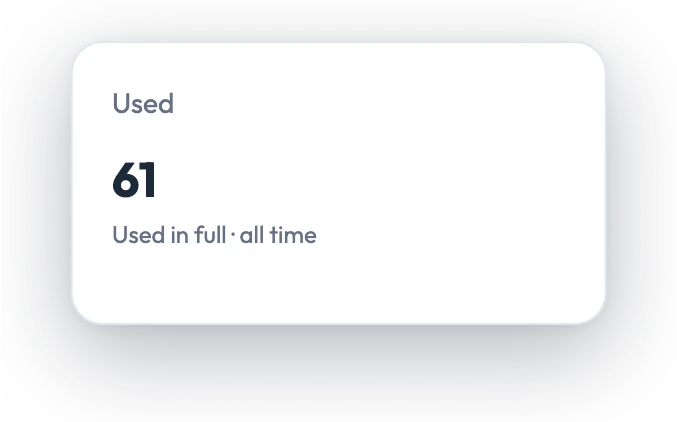
A code printed on a flyer usually tells you how often it was used, not by whom. Each FaveCard coupon shows how many were given and used. Its list of given coupons shows who has one, the kind of place they got it from (a poster, Instagram, a partner business) and whether it's been used. A link with a cap also shows how many people got the coupon there. Your till or booking system shows what they spent.
No. A coupon and a stamp card do different jobs, and either works alone. A FaveCard coupon needs no stamp card: whoever gets one is added to your customer list. If you also run a stamp card, card holders count as existing customers (FaveCard checks their email), so a coupon for new customers only won't go to them.
A coupon can reach people who don't carry your card yet; a promotion on a loyalty card only reaches people who do. Coupons bring new customers in and invite past ones back through a link or post from you, your stamp card rewards regulars, and Campaigns put a limited-time deal on the cards your customers already carry. To thank one person, use a coupon with a personal link.
Yes. A coupon saved in a phone's wallet is there at the counter, with no app to install. Customers get a FaveCard coupon on a web page and can add it to Apple Wallet or Google Wallet.
Yes. A FaveCard coupon works next to any till, with nothing to connect. Your staff confirm the coupon in the FaveCard app, then ring up the sale in your till as usual, with the offer applied.
The Business plan has no monthly limit on coupons: create as many as you need. Some marketing plans do count offers by the month: SumUp's Connect Plus plan includes “2 standard promos per month”, and Toast's managed marketing service, Toast IQ Grow, runs “up to 2 ongoing offers/month” (both checked 15 October 2026).
Coupons are part of the Business plan, with no monthly limit. New accounts get premium tools free for the first 30 days, coupons included. Coupons your customers already have keep working on every plan.
Pick a ready-made idea for your business, set who can get it and when, and put its QR code where new people will see it.