New: Free plan, $0, no time limit. No credit card needed.

🔗 FREE FEATURE

One link that turns visitors into regulars

Your FaveCard business page puts your loyalty card, links and socials on one URL. Share it in your Instagram bio, on Google, or on a QR code at the counter. It opens in any browser, with no app to download.

Create your free page
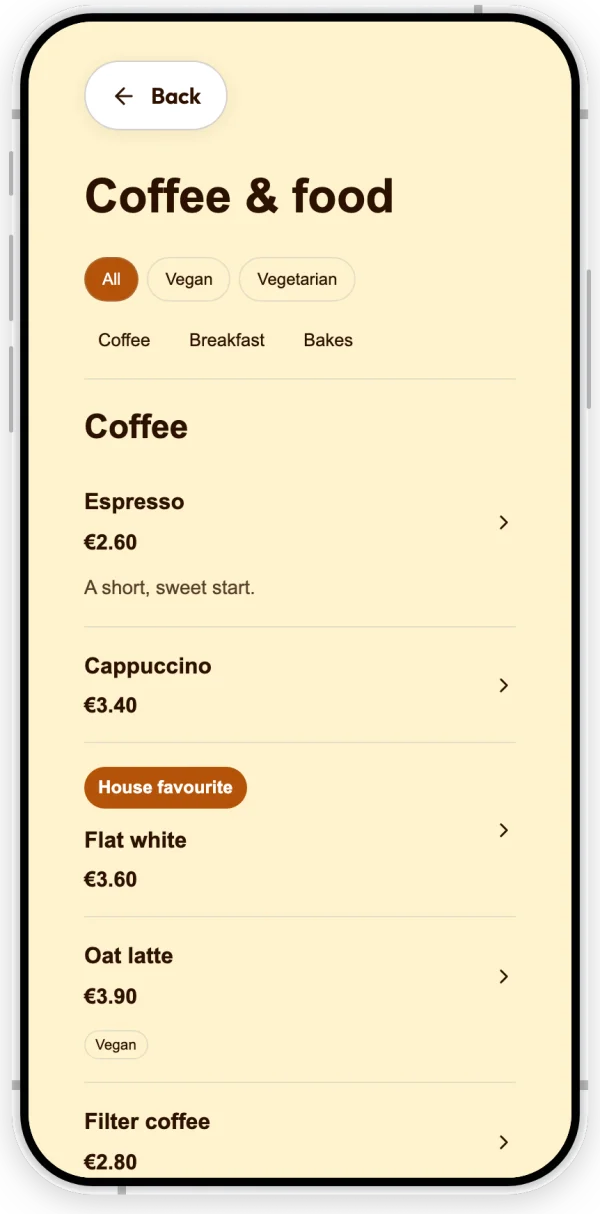
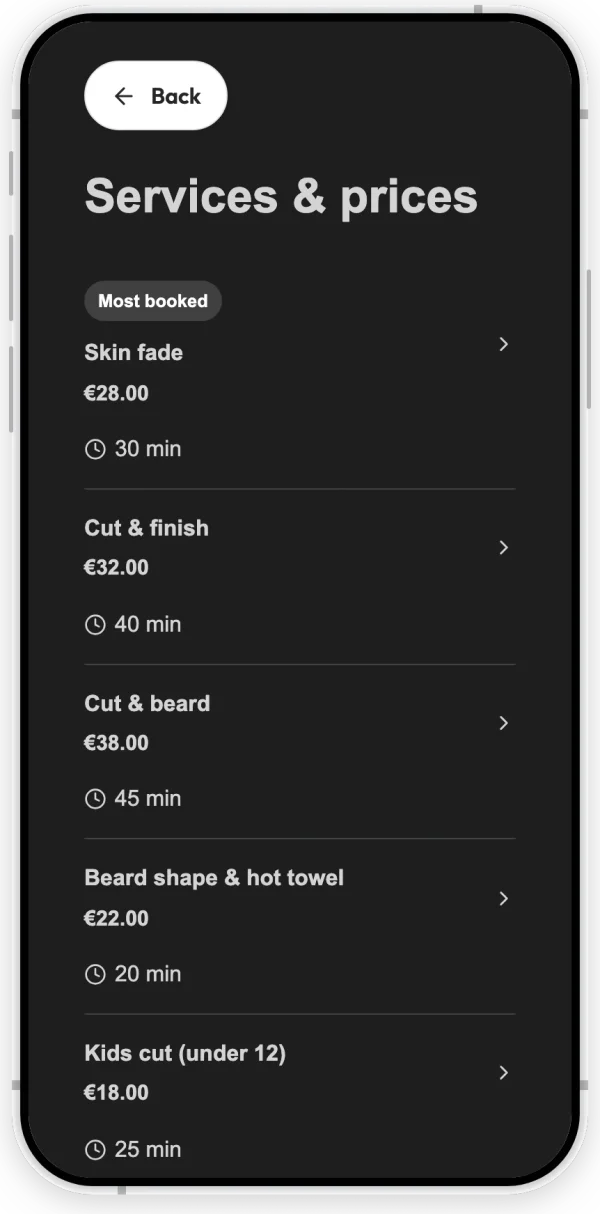
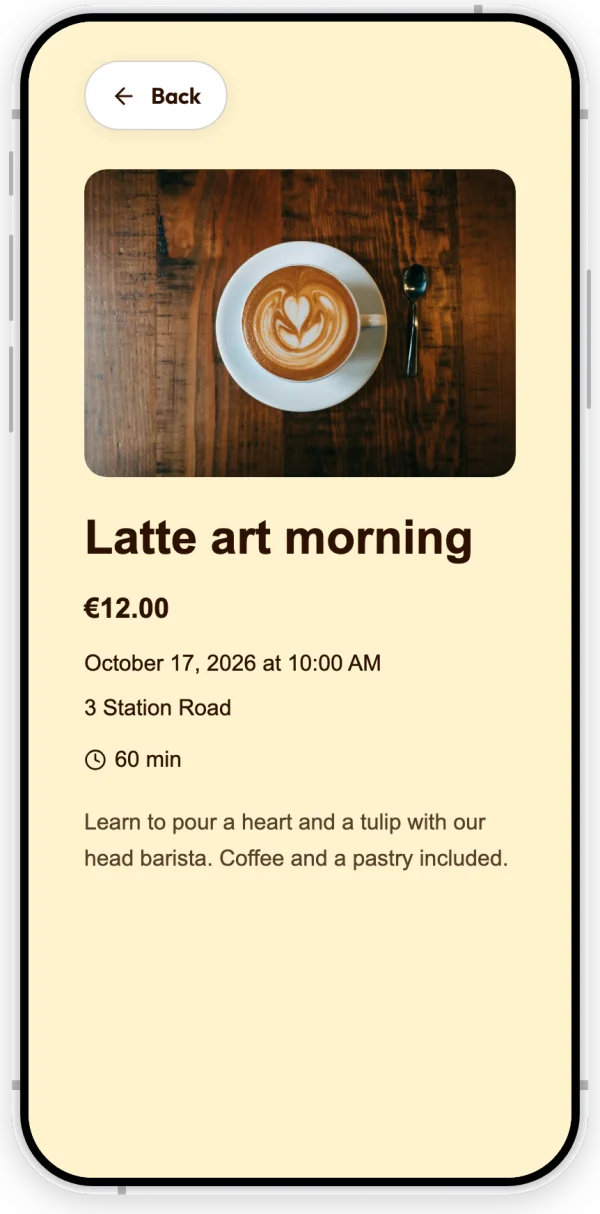
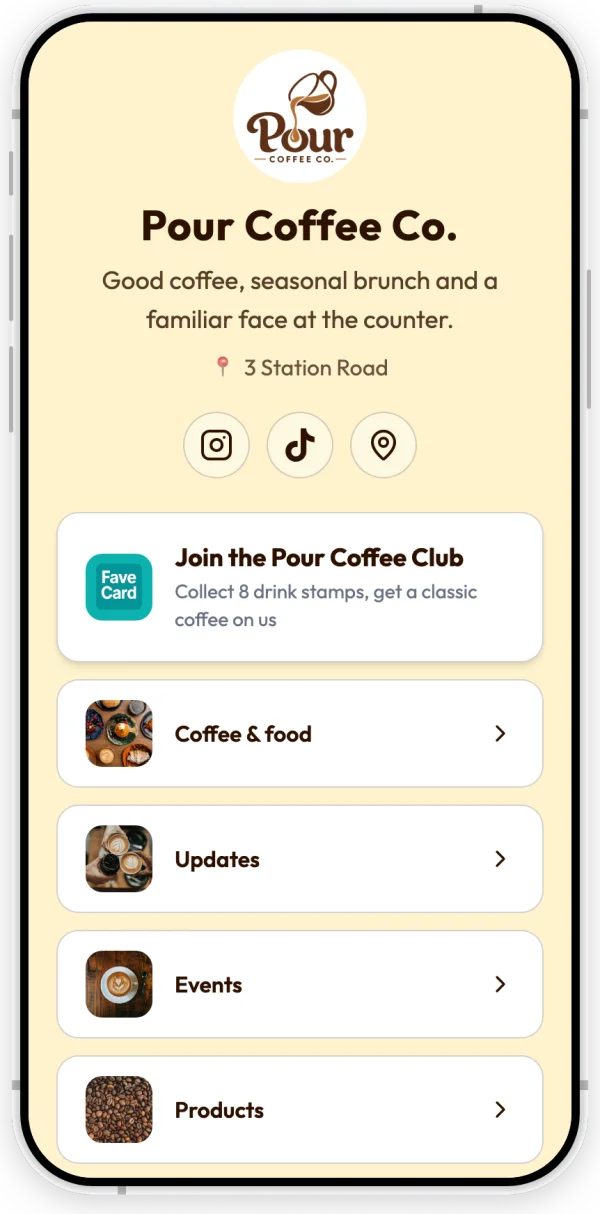
FaveCard business page on a phone: a coffee shop's loyalty card, a Google review card, and links

In short

A FaveCard business page is a free, shareable page for a local business, a bit like a link-in-bio but built around bringing customers back. On one link it shows your business name, a short description, your location and social links, and custom buttons for your menu, booking or orders. Customers can join your digital loyalty card right from the page, with no app to download. With a paid plan you can also add your logo to the page and a built-in Google review card that invites happy customers to leave a review. You set it up in a few minutes from your dashboard, with a live preview.

The problem

Customers find you on Instagram, Google or a flyer, and then what? A bio link to a generic website, a separate booking tool, a loyalty card they only get handed in person. Every extra step between interest and joining loses people, and most local businesses end up stitching together three or four tools that do not talk to each other.

Everything on one link

A FaveCard business page puts everything a new customer needs behind one link: what you do, where you are, how to book or see the menu, and your loyalty card to join on the spot. One URL for your Instagram bio, your Google profile and a QR code on the counter, all kept up to date from one place.

Set it up in a few minutes

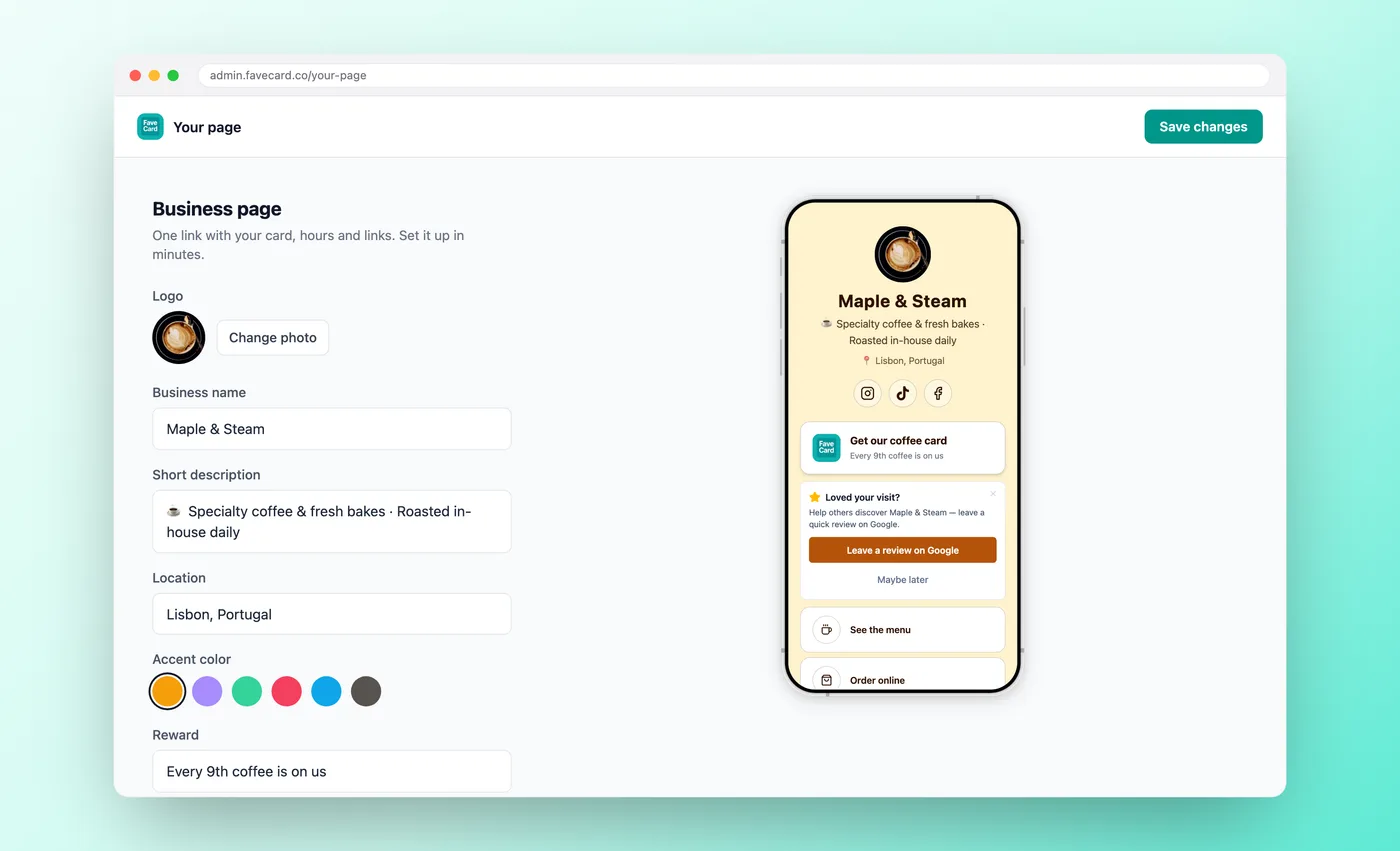
From your dashboard, with a live preview as you go

FaveCard 'Your page' dashboard: the business page config panel with a live phone preview
1

Add your details

Your business name, a short description, location and social links. Pick an accent colour to match your brand.

2

Add your links and card

Add your menu, booking or order links. Your loyalty card is already included. On a paid plan you can also add your logo and a Google review card.

3

Share one link

Copy your page URL into your Instagram bio, your Google profile, or onto a printed QR code at the counter. Update it any time; the link never changes.

What's on your business page

Everything a customer needs, in one tap

🎟️

Your loyalty card

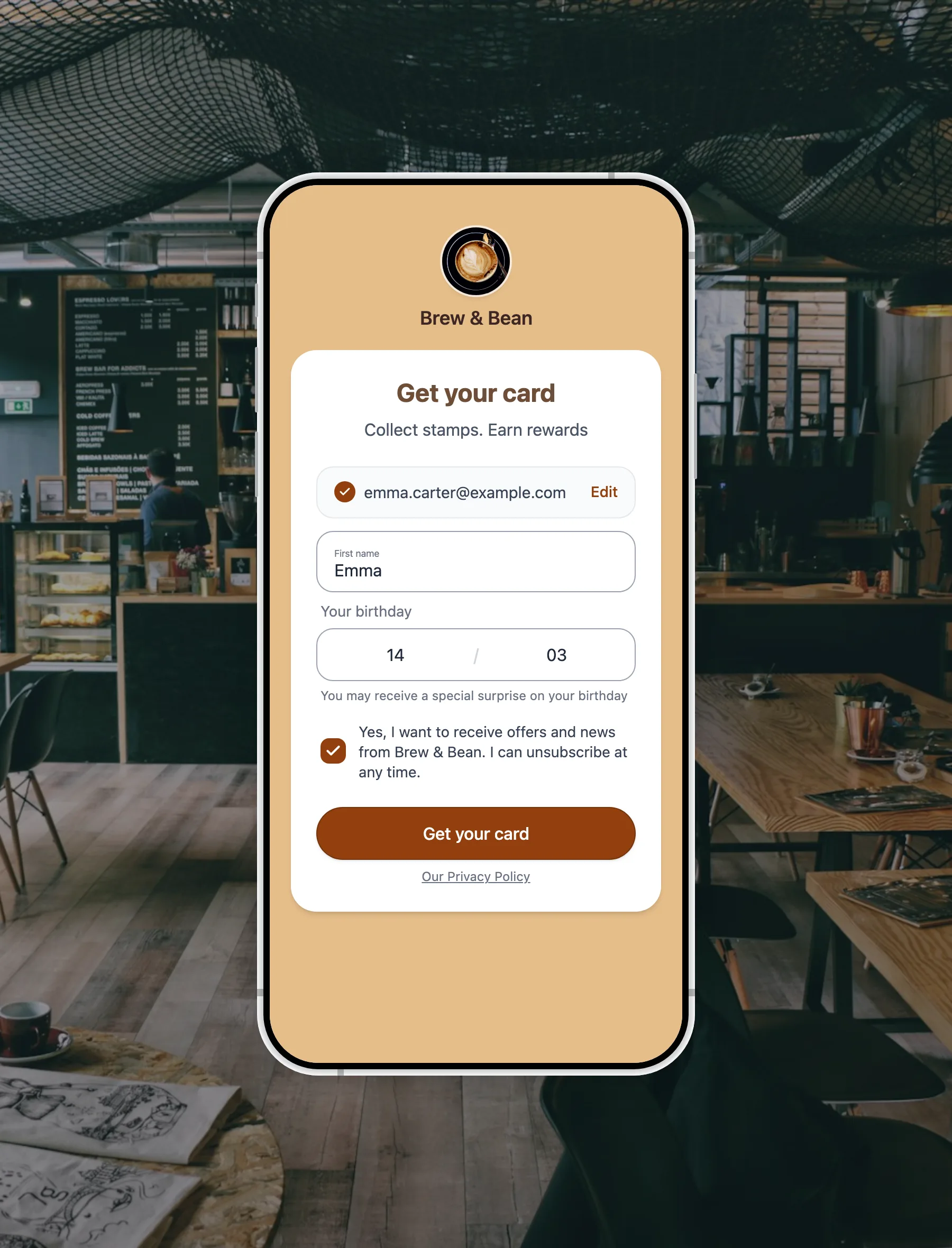
Customers join your digital loyalty card straight from the page, with no app to download. That's what turns a first visit into a second one.

A Google review card (paid plan)

A built-in 'leave a review on Google' card invites happy customers to review you at the right moment, so you collect more reviews without asking face to face.

🔗

Your links and socials

Menu, booking, order, website, Instagram, TikTok and more, all in one place and always current.

How does it compare?

A FaveCard business page vs a generic link-in-bio tool

Cost

A link-in-bio tool Free tier, paid for extras
FaveCard business page Free, included with every account

Loyalty card built in

A link-in-bio tool No, links out to another tool
FaveCard business page Yes, customers join in one tap

Collects Google reviews

A link-in-bio tool No
FaveCard business page Yes, with a built-in review card (paid plan)

Works without an app

A link-in-bio tool Yes
FaveCard business page Yes, opens in any browser

Made for

A link-in-bio tool Creators and influencers
FaveCard business page Local businesses with repeat customers

A generic link-in-bio holds your links. A FaveCard business page does that too, then adds the one thing built to bring customers back: your loyalty card, plus a Google review card to grow your reputation.

Built to bring customers back

More visits from people who already know you

A link-in-bio gets someone to your links. A business page with your loyalty card built in gets them to join, and a customer who joins is one you can bring back again and again. Pair it with the Google review card and the same page that wins repeat visits also grows your reputation.

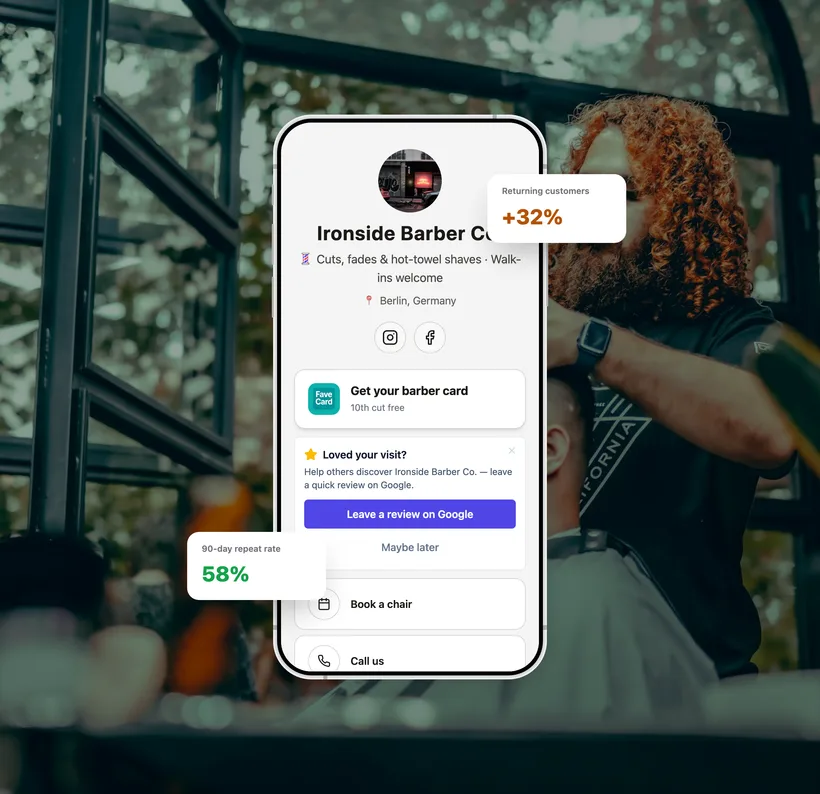
Illustrative FaveCard business page for a barbershop with example repeat-customer metrics

Figures shown are an illustrative example, not measured results.

Included free, with room to grow

FREE

Free on every FaveCard account

  • Your loyalty card, links, socials and location on one shareable page
  • Works in any browser, with no app for your customers
  • Set up in minutes with a live preview

Add your logo to the page and a built-in Google review card with a paid plan.

Start free

No credit card needed.

See full pricing details and what each plan includes.

Frequently Asked Questions

Common questions about setup, pricing, and what's free

Is the business page free?

Yes. Every FaveCard account includes a business page at no cost, with your loyalty card, links, social profiles and location. Adding your logo to the page and the built-in Google review card are part of a paid plan. See pricing for what each plan includes.

Do my customers need an app?

No. The page opens in any phone browser. Customers can join your loyalty card and tap through to your menu, booking or socials without installing anything. For the full picture, see how a loyalty card without an app works.

What is the Google review card?

It is a 'leave a review on Google' card that appears on your page and invites happy customers to review your business at the moment they are most likely to. It is part of a paid plan and works alongside your loyalty card. See Google Reviews for how it works.

Can I use it as my Instagram link-in-bio?

Yes, that is exactly what it is for. Put your page URL in your Instagram or TikTok bio and customers land on your loyalty card, links and review card in one place. For how it compares to other tools, see our link-in-bio comparison for small businesses.

How do customers get to my page?

Share the link anywhere: your Instagram bio, your Google Business profile, WhatsApp, or a printed QR code at your counter. The link stays the same even as you update the page, so you never have to reprint or re-share it.

How is it different from a website?

It is faster to set up and built for one job: turning a visitor into a returning customer. You can keep your full website too and simply link to it from the page.

Your one link, ready in minutes

It takes about two minutes, and your loyalty card is already built in.