




How to Add a Gift Card to Apple & Google Wallet
Can you add a gift card to Apple Wallet or Google Wallet? Exactly what works, for store cards, Apple Gift Cards and Visa prepaid, with real steps.

Short answer: it depends which kind of gift card you have. “Gift card” covers three very different things, and each one behaves differently in Apple Wallet and Google Wallet. A shop’s own gift card only goes into Apple Wallet if the shop built a Wallet pass for it. An Apple Gift Card is store credit, not a pass. And a Visa or Mastercard “gift card” is really a prepaid card you add to Apple Pay to spend. Below is exactly what works for each, with the real steps.
Key takeaway: You cannot add just any gift card to Apple Wallet yourself. Apple Wallet has no gift-card catalogue, so a shop’s card only appears if the merchant issued it as a Wallet pass. Google Wallet is the exception, it has a built-in catalogue you can search.
First, which “gift card” do you actually have?
Most confusion comes from lumping three things together. Sort yours first:
- A shop or restaurant gift card (Starbucks, Sephora, a local café). Closed-loop, spendable only at that business.
- An Apple Gift Card (also called an App Store & iTunes card). Store credit for your Apple Account.
- A Visa, Mastercard or Amex “gift card”. Open-loop prepaid, spendable anywhere that brand is accepted.
The steps are different for each, so pick your row and skip to it.
1. A shop or restaurant gift card → only if the merchant supports passes
This is the case people mean by “gift card in Apple Wallet”, and here’s the honest truth: you can only add it if the business issued it as a Wallet pass. Apple Wallet has no “scan any store card” feature. Apple’s own guidance is explicit: if you don’t see an option to add a pass, “contact the merchant or company that issued it to make sure they support passes in the Wallet app.” (Apple Support)
When the merchant does support it, adding it takes seconds:
- Open the email, text, app or link the business sent with your gift card.
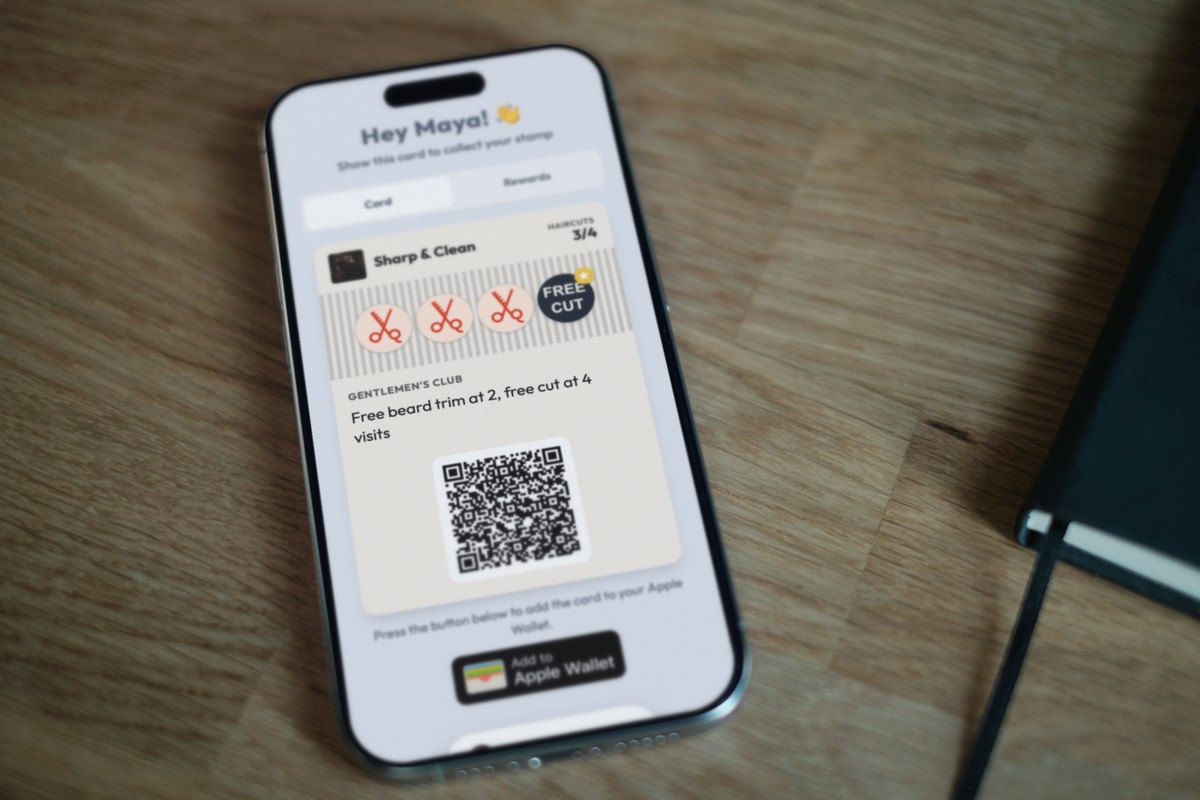
- Tap Add to Apple Wallet.
- Follow the on-screen steps, and tap Add in the top corner if asked.
That’s it, the card lands in Wallet with its barcode and, if the merchant built it that way, a live balance. If there’s no “Add to Apple Wallet” button anywhere, the business hasn’t made a Wallet pass, and no trick will force an arbitrary plastic card into the app.
On Android, you have a shortcut Apple doesn’t offer. Google Wallet keeps a searchable catalogue of supported merchants:
- Open the Google Wallet app.
- Tap Gift card.
- Search and tap the merchant name.
- Scan the card or enter the details manually.
If the merchant doesn’t appear in the search, it isn’t supported yet. (Google Wallet Help)
2. An Apple Gift Card → it becomes your Apple Account balance
If you’re holding an Apple Gift Card (or an older App Store & iTunes card), stop looking for a Wallet pass. It doesn’t become one. It redeems to your Apple Account balance, which you then spend on apps, subscriptions, iCloud and Apple Store purchases. (Apple Support)
To redeem it:
- Find the code on the back (peel or scratch the label to reveal it).
- Open the App Store app.
- Tap your photo or the sign-in button at the top.
- Tap Redeem Gift Card or Code.
- Tap Use Camera, or Enter Code Manually, then Redeem.
One nice touch: if you’ve added the Apple Account Card to Wallet, your new balance shows up in the Wallet app after you redeem. So the balance can appear in Wallet, it just isn’t a separate gift-card pass.
3. A Visa, Mastercard or Amex prepaid card → add it to Apple Pay
These aren’t really gift cards in the Wallet-pass sense, they’re prepaid payment cards. You add them the same way you add a debit or credit card, and then you tap to pay with them.
In Apple Wallet / Apple Pay:
- First, if the card requires it: register it on the issuer’s website with your name and billing ZIP or address. Many prepaid Visa/Mastercard gift cards need this before a wallet’s address check will pass. (This step is issuer guidance, not an Apple rule.)
- In the Wallet app, tap the plus button.
- Tap Debit or Credit Card, then Continue.
- Scan the card, or tap Enter Card Details Manually.
- Complete the issuer’s verification.
Apple is clear that support is issuer-dependent: it works with “a supported card from a participating card issuer”, and if you’re unsure, “contact your card issuer.” (Apple Support) Some prepaid cards simply aren’t enabled for Apple Pay.
In Google Wallet, the rule is spelled out: “If your gift card has an issuer logo, such as Mastercard or Visa, you must add it as a payment method.” So use Add to Wallet → Payment card → New credit or debit card, not the Gift card option. (Google Wallet Help)
Quick reference
| What you have | Apple | |
|---|---|---|
| Shop / restaurant gift card | Only via a merchant-issued Wallet pass (“Add to Apple Wallet”) | Search the built-in Gift card catalogue, or add from the merchant |
| Apple Gift Card / App Store card | Redeem to Apple Account balance (not a pass) | N/A (Apple ecosystem) |
| Visa / Mastercard / Amex prepaid | Add as a payment card in Apple Pay (issuer-dependent) | Add as a payment method, not a gift card |
One more Google-specific limit worth knowing: within any 30 days you can add up to 10 cards total and 5 per merchant. (Google Wallet Help)
The bit most guides miss: it’s the business that decides
Notice the pattern. Whether a real, branded card can live in someone’s Apple or Google Wallet comes down to one thing: did the business issue it as a wallet pass? That’s why a Starbucks card adds instantly and your local café’s paper card doesn’t.
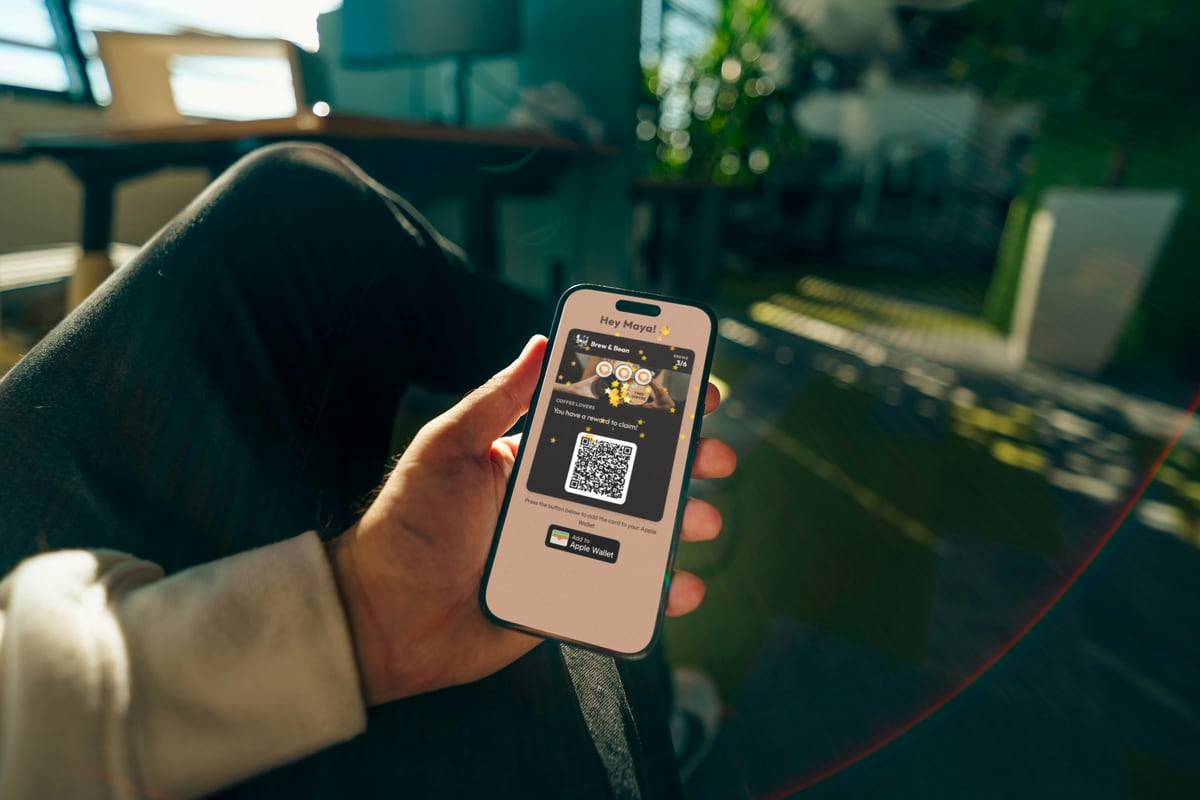
This is exactly how modern loyalty works too. At FaveCard we make digital loyalty cards that live in Apple and Google Wallet, with no app to download, so a customer taps once and the card is on their phone next to their boarding pass and bank cards. If you run a local business and you’ve ever wondered why the big chains’ cards are always in the wallet and yours isn’t, that’s the whole answer: they issue passes, and now you can too.
If you’re weighing wallet passes against a stamp-card app, see wallet passes vs loyalty apps. For the basics of getting your own card onto customers’ phones, start with what a digital loyalty card is and how a loyalty card without an app works.
Sources
- Apple Support, Add a pass to Apple Wallet
- Apple Support, Redeem an Apple Gift Card
- Apple Support, Add a card to Apple Pay
- Google Wallet Help, Add or remove a gift card, loyalty card or payment method
Frequently Asked Questions
Can I add any gift card to Apple Wallet?
No. Apple Wallet has no 'add any store gift card' catalogue. A shop's gift card can only go into Apple Wallet if that shop issued it as a Wallet pass, which you add by tapping 'Add to Apple Wallet' in the email, app or link they sent you. If there's no button, the shop doesn't support Wallet passes.
How do I add an Apple Gift Card to my wallet?
You don't add an Apple Gift Card (or App Store & iTunes card) as a Wallet pass. It redeems to your Apple Account balance. Open the App Store, tap your photo, tap 'Redeem Gift Card or Code', then use the camera or enter the code. If you have the Apple Account Card in Wallet, the new balance shows there.
Can you add a Visa gift card to Apple Pay?
Often yes, but as a payment card, not a gift-card pass. In the Wallet app, tap the plus button, choose 'Debit or Credit Card', then scan or enter the details. Support depends on the card's issuer, and many prepaid Visa/Mastercard gift cards must first be registered with your name and billing ZIP on the issuer's website before Apple Pay will accept them.
How is Google Wallet different for gift cards?
Google Wallet has a built-in gift-card catalogue. Open the app, tap 'Gift card', search the merchant, then scan or enter the card. If the merchant isn't listed, it isn't supported. Cards with a Visa or Mastercard logo must be added as a payment method instead. Google limits you to 10 cards total and 5 per merchant in any 30 days.
Why won't my gift card add to Apple Wallet?
Almost always because the merchant never built a Wallet pass for it. Apple Wallet can't scan an arbitrary plastic gift card into the app. Check for an 'Add to Apple Wallet' button in the merchant's email or app, and if there isn't one, contact the merchant, or on Android try searching for it in Google Wallet's gift-card catalogue.