
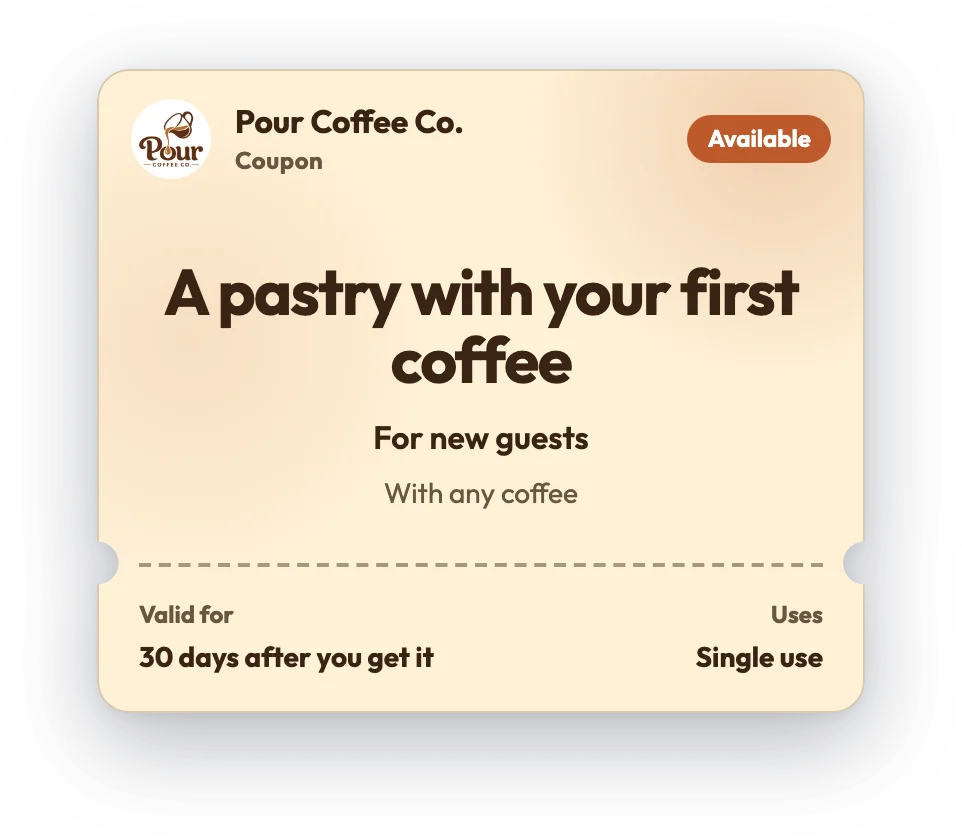





Punch card templates
Free Punch Card Templates
Grab a ready-made punch card design, set your reward and print it on paper — or do what the paper card can't: turn it into a digital punch card that lives in your customer's phone. No more reprints, no more lost cards, and you finally see who's coming back. Every design here is editable and free to print or download as an image.
Tap + / − on any card to collect stamps, then download it or create your own free.

































A punch card is the simplest loyalty program there is: customers get a punch or stamp each visit and earn a reward once the card is full. These free punch card templates let you make one in minutes — print it on paper to punch by hand, or turn it into a digital punch card customers collect on their phone.
What you can edit: the business name, logo, colors, the reward and how many punches it takes to earn it.
Printable or digital: a printed card is free and instant; a digital one can't be lost, never needs reprinting, and shows you who's coming back — with no app for customers to download (Apple Wallet and Google Wallet on a paid plan).
Best for: coffee shops, sandwich bars, car washes and any business that used to hand out paper punch cards.
Printable card or digital card?
A printed punch card gets you started today. A digital one fixes the things paper can't — lost cards, no reorders, and finally seeing who actually comes back.
Printable paper card
- Free and instant — print and hand out today
- No tech needed
- Customers lose them or leave them at home
- You reprint and restock forever
- No way to see who's returning
Digital card with FaveCard
- Free plan — no app for your customers to download
- Lives in the phone, so it can't be lost
- Never reprint — update the design any time
- See returning customers and stamps collected
- Apple Wallet & Google Wallet passes on a paid plan
How to make a loyalty card
-
Pick a design
Choose a loyalty card design from the gallery above — coffee, barbershop, nail salon, bakery and more.
-
Create your free account
Sign up for FaveCard for free. It takes a few minutes — no credit card needed.
-
Customize and share
Set your colors, logo, stamps and reward, then share your card's QR link. Customers add it to their phone — no app to download.
Loyalty cards by business
More templates
Frequently asked questions
How do I make a free punch card?
Pick a design above, set how many punches lead to the reward, then print it or download it as an image. To make a digital punch card instead, click “Create your free card” and set it up in a few minutes.
Can I print a blank punch card template?
Yes. Choose a design, use “Print” and you get a clean, ready-to-hand-out punch card. You can also download it as a PNG to drop into a flyer or print sheet.
What's better than a paper punch card?
A digital punch card can't be lost or forgotten at home, never needs reprinting when your offer changes, and shows you which customers are returning — none of which a paper card can do.
How many punches should a punch card have?
As many as a regular can collect in about 8 weeks: 8 punches if customers come every few days, 6 if weekly, 5 every two to three weeks and 4 if monthly.
Do customers need an app to use a digital punch card?
No. It opens on any phone from a link or QR code. Apple Wallet and Google Wallet passes are available on a paid plan.
Ready to see your customers more often?
FaveCard has a Free plan with no time limit; Pro adds your logo and Wallet cards, and the Business plan adds messages to customers and the kiosk.
Create a card, share it with customers, and watch your stamps and rewards add up live. No code, no paper, no extra apps.
- Set up in 5 minutes
- No app for your customers
- Start free, no credit card needed