





Stamp card templates
Free Stamp Card Templates
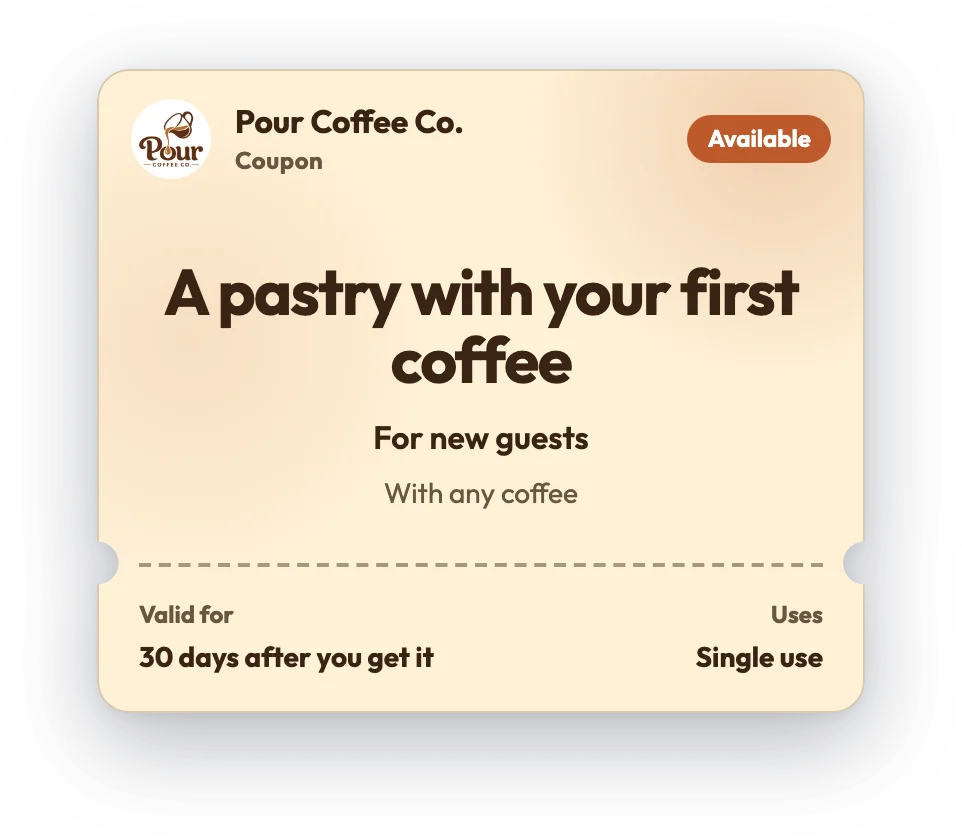
A stamp card is the simplest loyalty program there is: collect stamps, earn a reward. Start from one of the designs below, set your reward, and print it — or make a digital stamp card customers collect on their phone with a tap. Each design is editable, free, and ready to download as an image or print.
Tap + / − on any card to collect stamps, then download it or create your own free.
































A stamp card rewards customers for repeat visits — one stamp per visit, a reward when it's full. These free stamp card templates let you design one in minutes and use it as a printable card or a digital stamp card on your customer's phone.
What you can edit: the business name, logo, colors, the reward and the number of stamps.
Why digital: a digital stamp card can't be left at home, never needs reprinting when your offer changes, and lets you see returning customers — all with no app to download (Apple Wallet and Google Wallet on a paid plan). A printable version is free if you'd rather start on paper today.
Best for: cafes, bakeries, juice bars and small shops running a simple stamps-for-a-reward program.
Printable card or digital card?
A printed punch card gets you started today. A digital one fixes the things paper can't — lost cards, no reorders, and finally seeing who actually comes back.
Printable paper card
- Free and instant — print and hand out today
- No tech needed
- Customers lose them or leave them at home
- You reprint and restock forever
- No way to see who's returning
Digital card with FaveCard
- Free plan — no app for your customers to download
- Lives in the phone, so it can't be lost
- Never reprint — update the design any time
- See returning customers and stamps collected
- Apple Wallet & Google Wallet passes on a paid plan
How to make a loyalty card
-
Pick a design
Choose a loyalty card design from the gallery above — coffee, barbershop, nail salon, bakery and more.
-
Create your free account
Sign up for FaveCard for free. It takes a few minutes — no credit card needed.
-
Customize and share
Set your colors, logo, stamps and reward, then share your card's QR link. Customers add it to their phone — no app to download.
Loyalty cards by business
More templates
Frequently asked questions
What is a digital stamp card?
It's a loyalty card that lives on your customer's phone instead of on paper. They collect stamps each visit and earn a reward — without an app to download, and without a card to lose.
Are these stamp card templates free?
Yes. Print or download any design for free, or build a free digital stamp card on FaveCard's free plan — no credit card needed.
How do customers collect stamps?
They scan a QR code or tap a link on each visit and a stamp is added to their card. You can also let staff add stamps from a phone or tablet.
Can I change the number of stamps and the reward?
Yes. Every design is a starting point — set your own number of stamps, your reward, colors and logo when you create your card.
Do my customers need an app?
No. The card opens on any phone from a link or QR code. Apple Wallet and Google Wallet passes are available on a paid plan.
Ready to see your customers more often?
FaveCard has a Free plan with no time limit; Pro adds your logo and Wallet cards, and the Business plan adds messages to customers and the kiosk.
Create a card, share it with customers, and watch your stamps and rewards add up live. No code, no paper, no extra apps.
- Set up in 5 minutes
- No app for your customers
- Start free, no credit card needed